

3. SMS Record
3.1. Viewing Sending Status
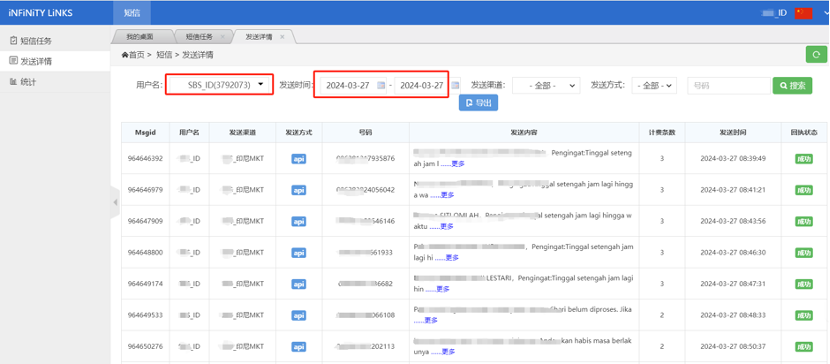
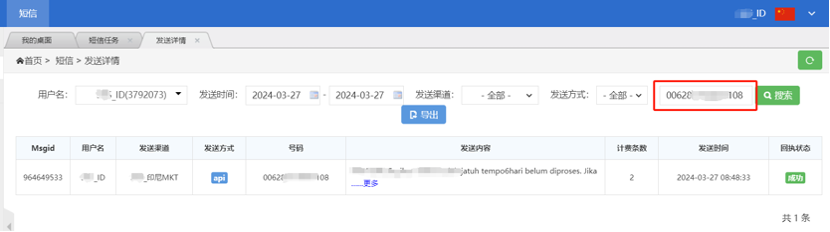
Click the "Sending Details" menu to enter the sending status query interface. Query sending status through the following methods:
- Check the username and select a date range to view all sending records within the specified time period
- Enter the complete number in the number search box to query the sending status of a single number
3.2. Data Export
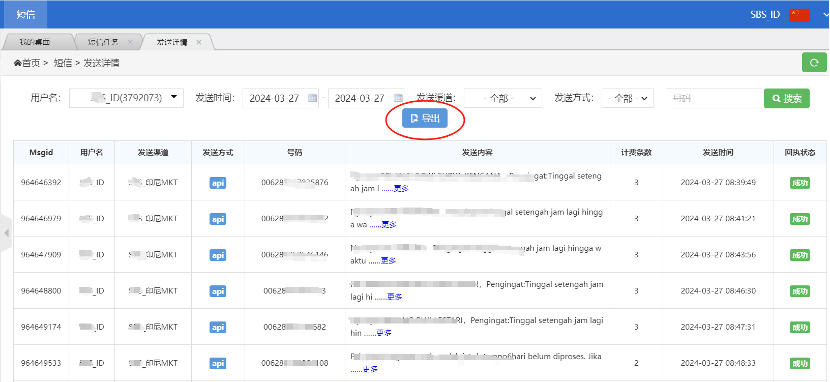
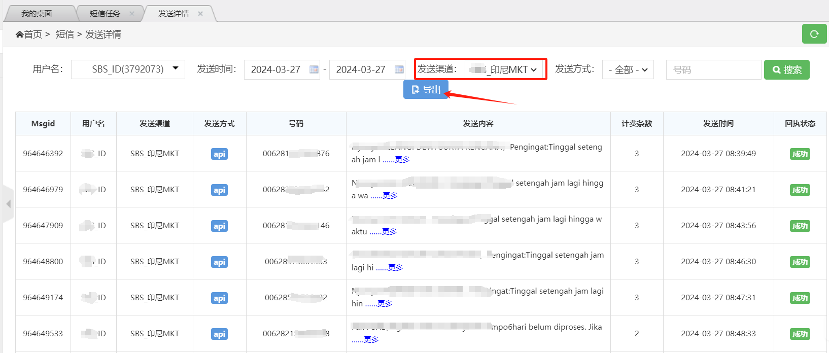
Click the "Export" button to export the current query results as a file. To export specific types of SMS records (such as OTP verification code SMS), select the corresponding account in the sending channel options before executing the export operation.