


3.Task Progress Monitoring
Feature Access
1.LogTo access the management page, log in to the admin console.console, Inselect Voice from the left-sidehand navigation pane, select Voice,menu, then click Predictive DialerCall fromin the expanded menu.submenu, Onand the subsequent page,finally choose Task Management. In the task list, click "Details" in the Actions column to view the real-time progress of the task.Scheduler.
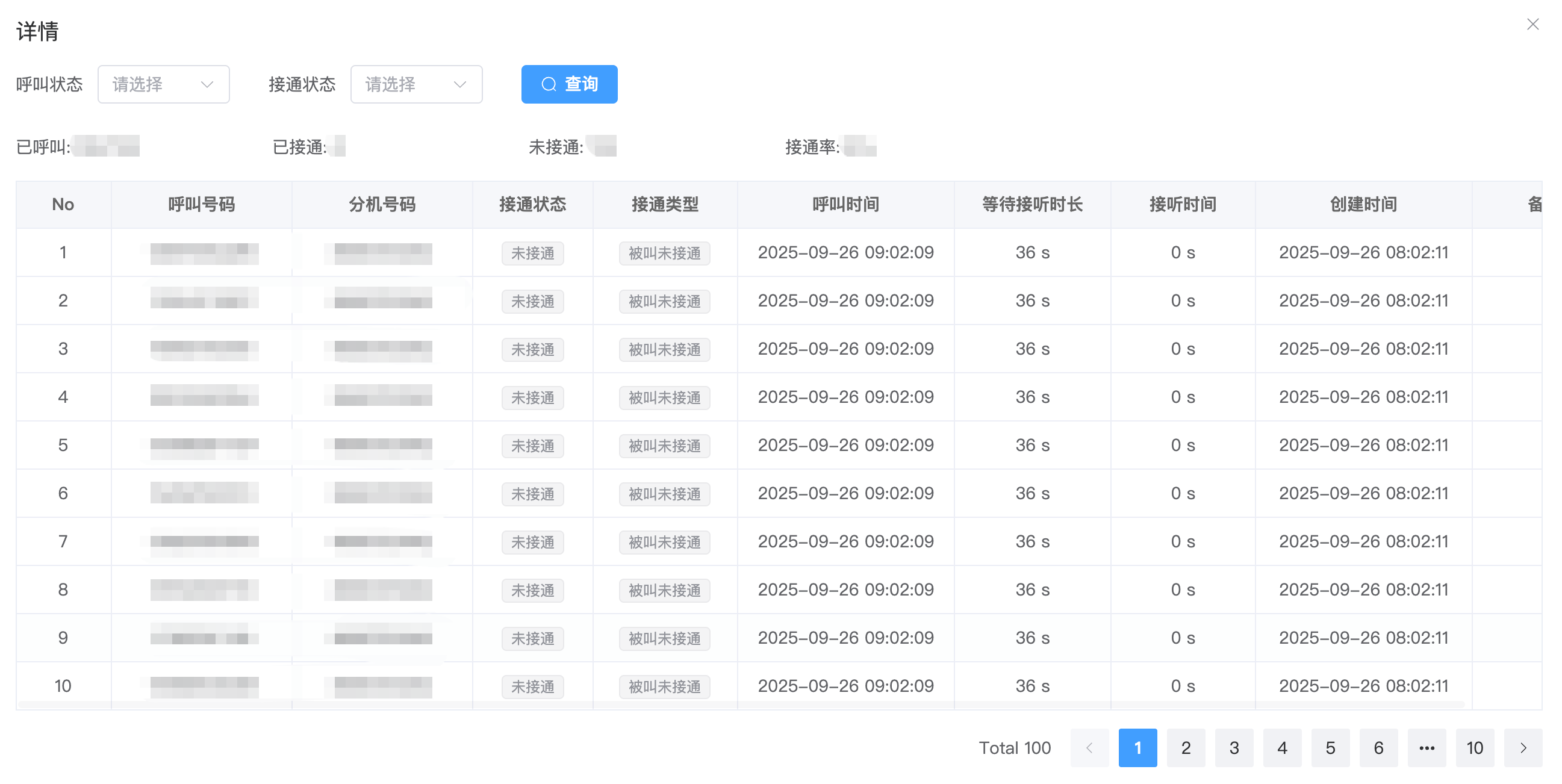
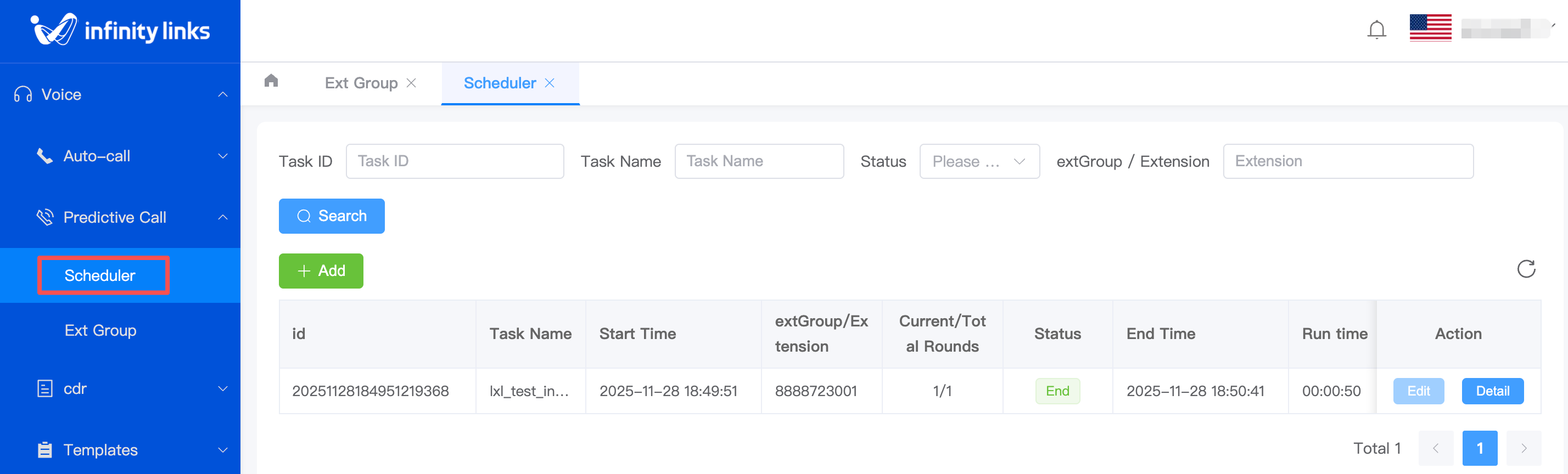
Task Execution Monitoring
While the task is running, you can refresh the page at any time to get the latest execution status. Through the task progress panel, you can view the following key metrics in real time:
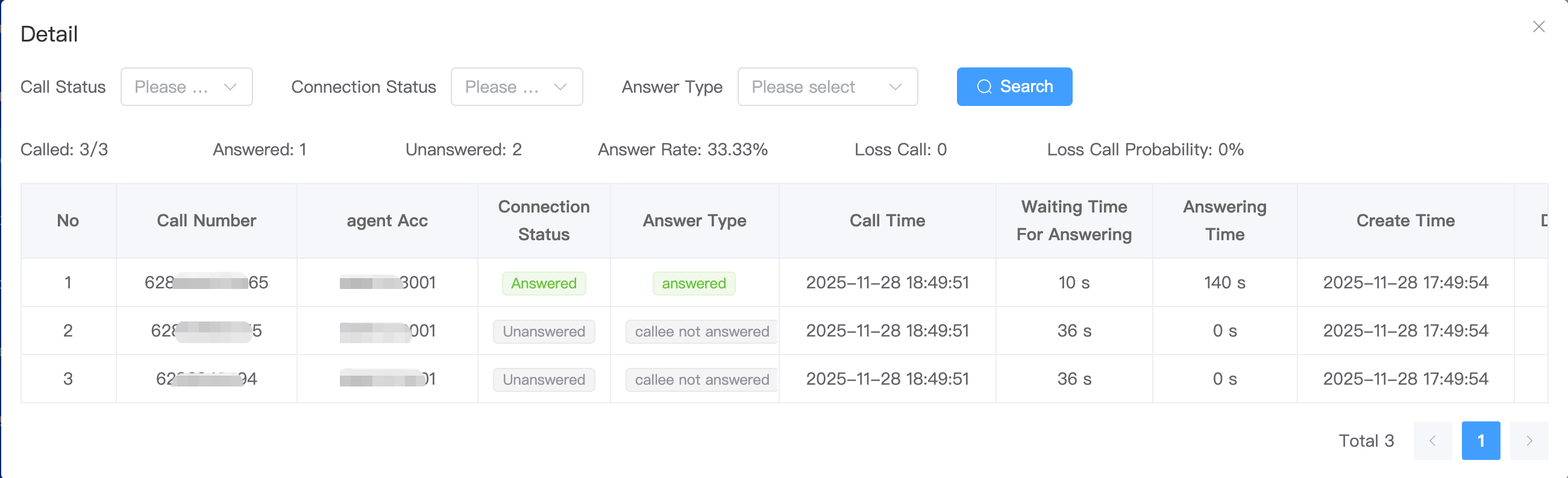
- Dialed: Number of calls already made / Total number of phone numbers
- Answer Rate: Number of answered calls / Number of calls dialed
- Answered: Number of successfully connected calls
- Unanswered: Number of dialed calls that were not answered